
Maxbit is a Thai digital asset trading platform available on the web and on iOS and Android. This article brings all of Maxbit's main features together in one place, from opening an account to five ways to trade and member privileges.
Easy sign-up with online verification
- Individual and corporate accounts. Companies go through a dedicated business verification (KYB) process.
- Online identity verification (KYC). Thai users can verify through NDID or the ThaID app; non-Thai users can also verify online.
- Account security. Two-factor authentication (2FA) is supported, and you are notified when your account is accessed from a new device.
THB and crypto deposits and withdrawals
- Deposit THB conveniently via QR Code.
- Withdraw THB to your linked bank account.
- Deposit and withdraw crypto, both as internal transfers between Maxbit users and to external wallets.
- One view of your portfolio. See your total portfolio value, THB balance and each crypto balance at a glance.
- Download your transaction history and tax invoices directly from the history page.
5 ways to trade on Maxbit
Choose the trading style that fits how you invest, from trading instantly to letting the system trade for you automatically.
1. Quick Trade
Buy or sell instantly at the market price in a few taps. Ideal for beginners and anyone who wants to trade fast.
2. Limit Trade
Set the price you want to buy or sell at in advance, and your order is matched when the market reaches that price. Ideal when you have a clear target price.
3. DCA Trade
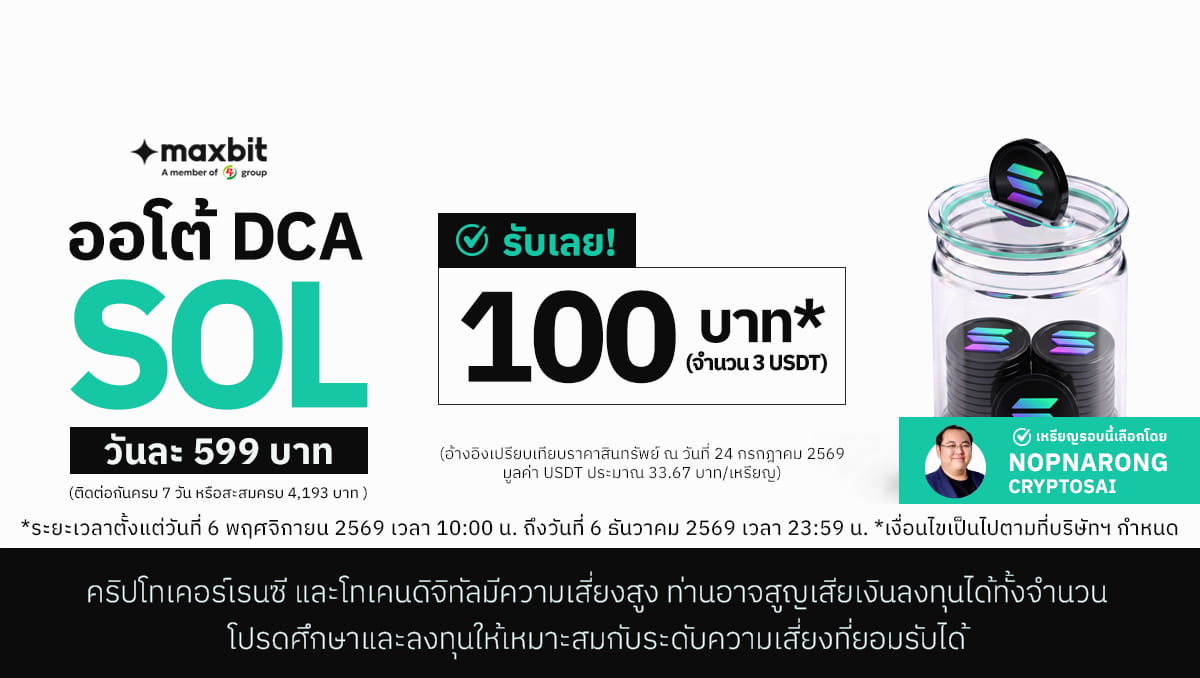
Set up a plan to buy a fixed amount daily, weekly or monthly, and Maxbit buys for you automatically on schedule. Stop a plan at any time, or copy a previous plan to restart it in a few taps. It suits long-term investors who would rather not time the market.
4. Grid Trade
Set a price range and the number of grid levels, and the system automatically places buy orders as the price falls and sell orders as it rises within that range. A setup wizard calculates the price levels for you. It works best when the market moves sideways within a range.
5. OTC Trade
For larger trade sizes, Maxbit's OTC service provides a dedicated quote for your order, with a team that prepares and sends you an offer to review before you confirm.
Tools to help you decide
- Market page with popular coins, Top Gainers, a favourites list and coin information.
- Price Alerts that notify you when a coin reaches your target price, so you don't have to watch the screen.
Member privileges and rewards
- Maxbit Privilege. Earn points from trading and redeem them for rewards, subject to the programme's terms.
- Max Card Plus benefits. Cardholders receive a trading fee discount, subject to campaign terms.
- Referral. Share your referral link or QR Code to invite friends to Maxbit.
Every feature is available on both the Maxbit website and app with a single account.
Risk warning: Digital assets are high risk, and you may lose your entire investment. Please study the information and understand the risks before investing. Privileges and promotions are subject to the company's terms and conditions.